Your own library
Add your video folders to HomeStream Server and keep your media under your control.
Apple TV media streaming
Stream your own videos to Apple TV with HomeStream TV and HomeStream Server. Install the server on your computer, pair your Apple TV, and enjoy a clean big-screen experience built for your own media.
Works with Windows, macOS and Linux
What it is
HomeStream TV is built for people who want a straightforward way to watch their own video library on Apple TV. Pair the app with your HomeStream Server and enjoy a clean TV-friendly interface for browsing and playback.
Add your video folders to HomeStream Server and keep your media under your control.
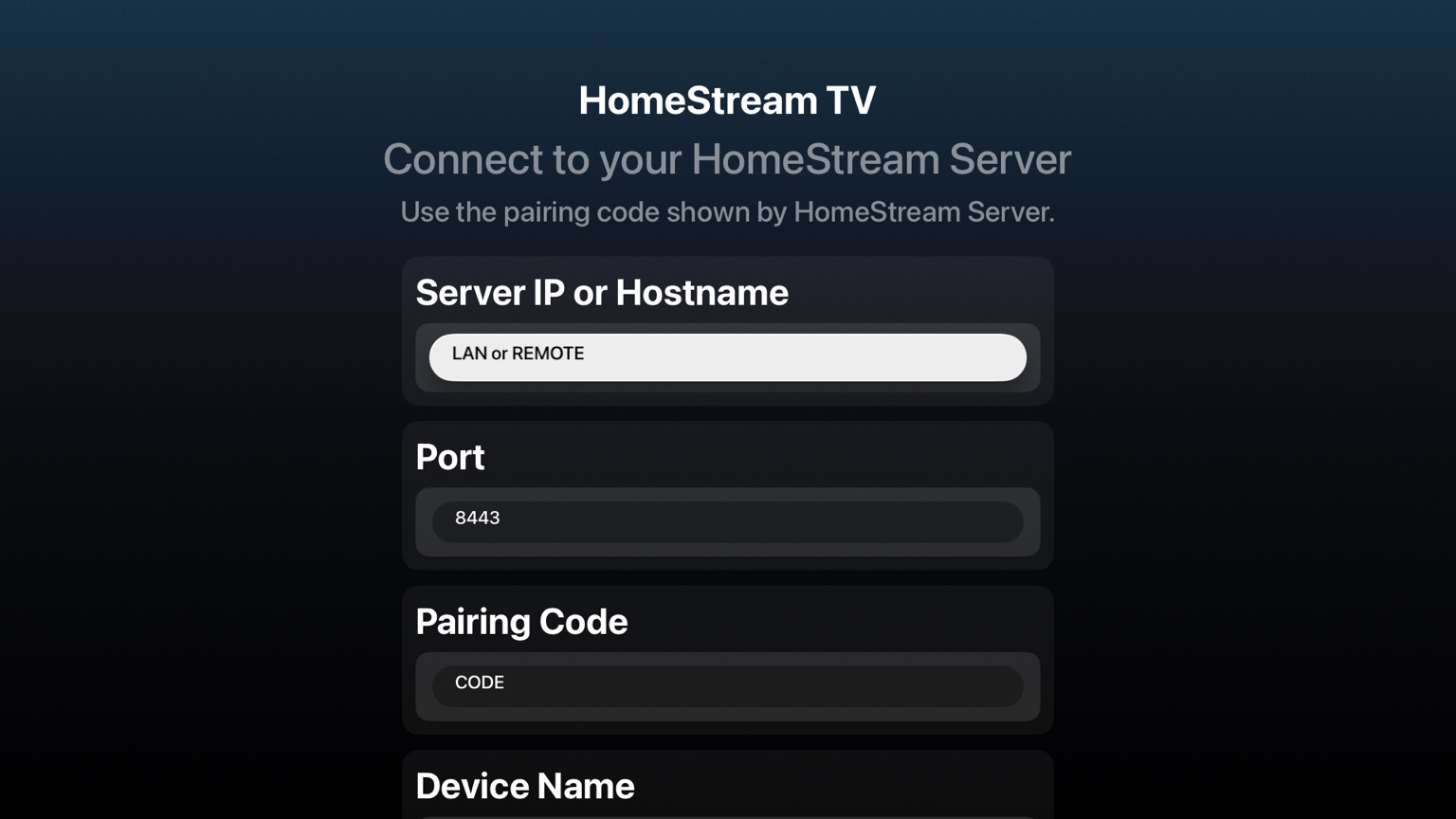
Connect Apple TV to your server with a simple pairing code and clear setup flow.
Browse libraries, search items and play videos with an interface designed for the big screen.
How it works
Install the server, pair your Apple TV, then browse and play from your own library.
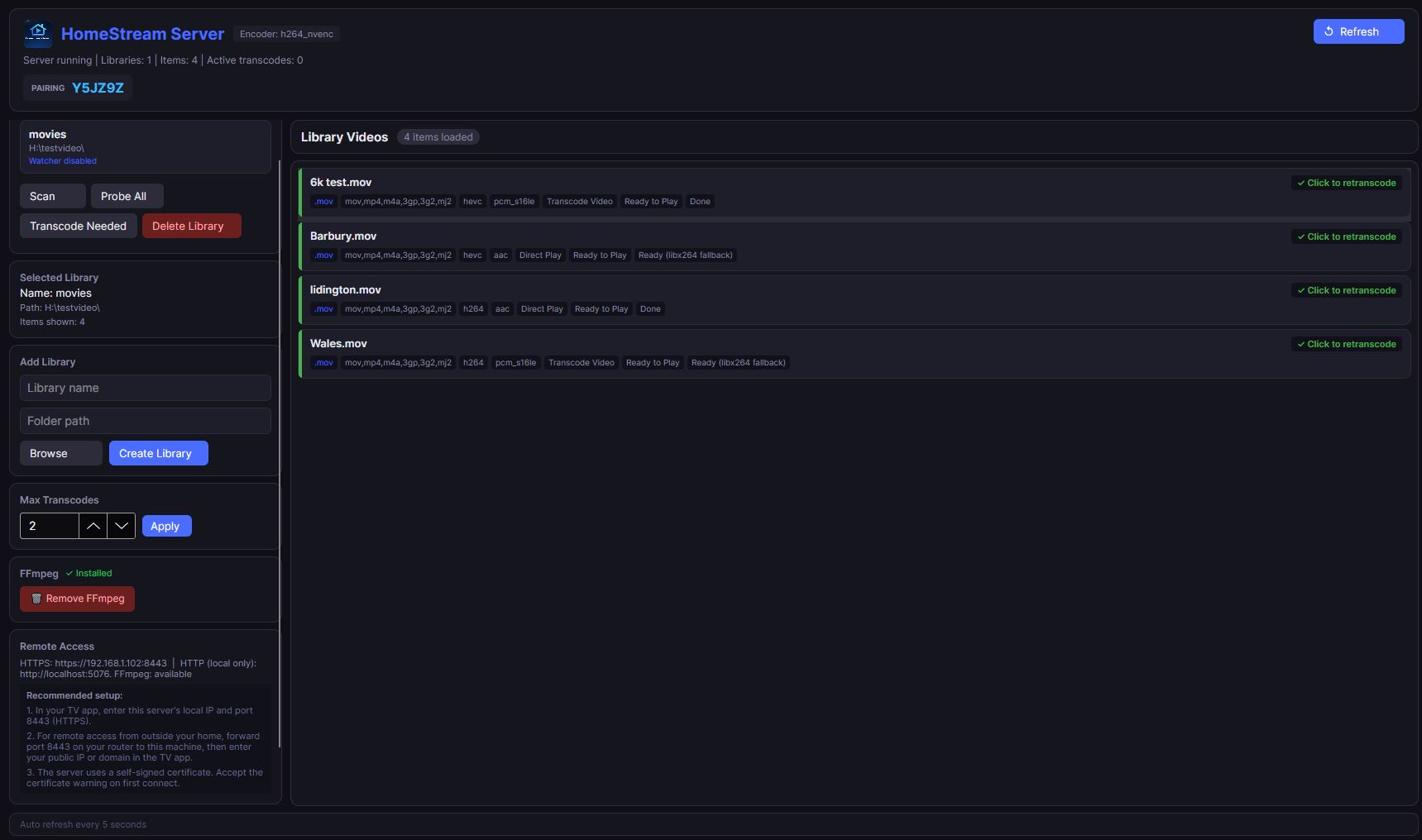
Set up HomeStream Server on your Windows, macOS or Linux computer and add the folder that contains your videos.
Open HomeStream TV on Apple TV and enter the pairing code shown by HomeStream Server.
Your libraries appear on Apple TV so you can browse, search and start watching from the comfort of your sofa.

See it in action
HomeStream TV is designed to feel natural on Apple TV, with simple navigation, clean screens and easy playback controls.

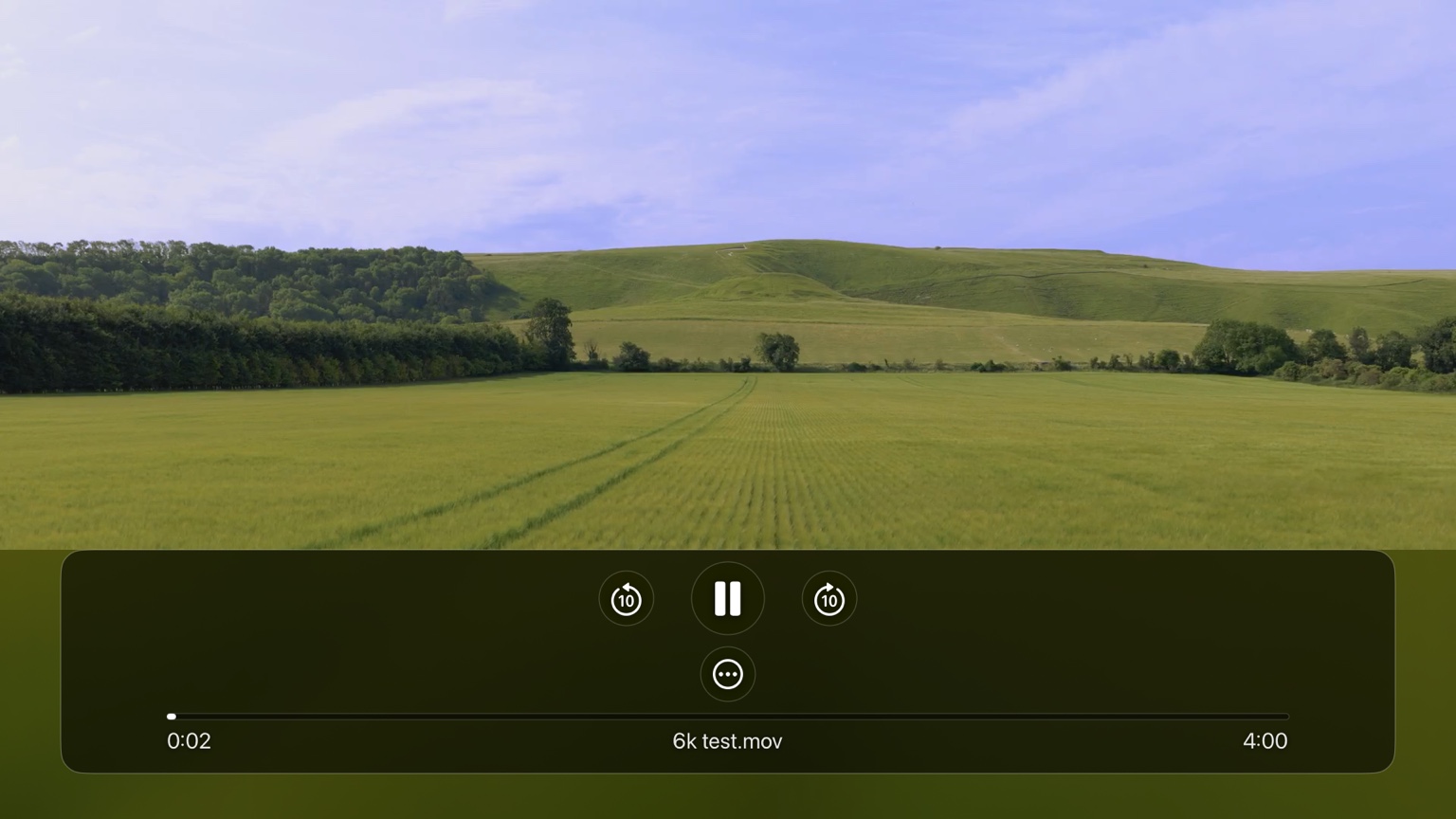
Playback
Pick a video, press play and enjoy a clean full-screen experience on Apple TV. HomeStream TV keeps the interface simple so the focus stays on your media.

Server control
HomeStream Server runs on your own computer and handles your libraries, pairing, media preparation and playback support, while the Apple TV app stays focused on browsing and watching.
Download
Choose the version that matches your computer, install the server, then pair HomeStream TV on your Apple TV.
Install HomeStream Server on a 64-bit Windows PC and start adding your libraries.
Download for WindowsRun HomeStream Server on Intel-based Macs and pair your Apple TV with your own library.
Download for Mac IntelRun HomeStream Server on Apple silicon Macs and pair your Apple TV with your own library.
Download for Apple siliconSet up HomeStream Server on a 64-bit Linux system and keep your media server running your way.
Download for Linux